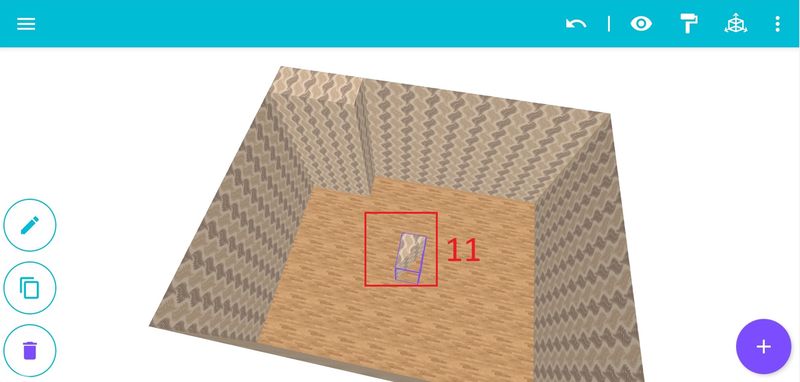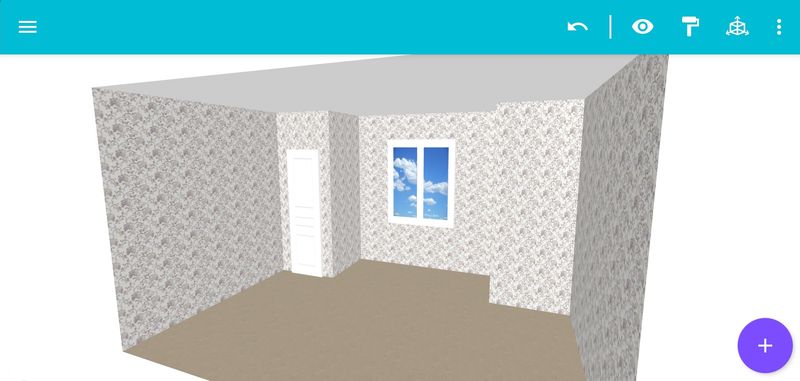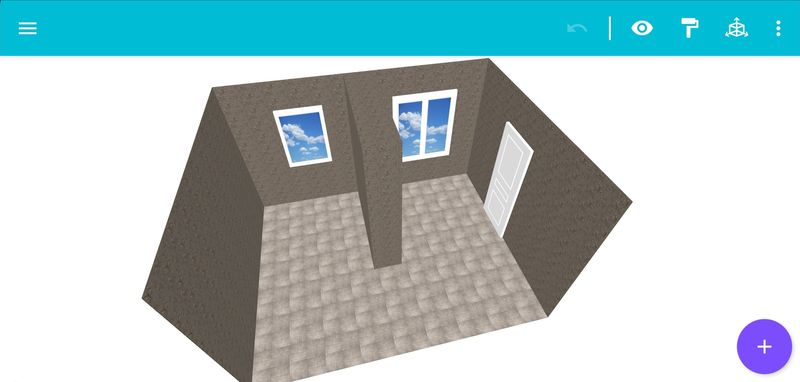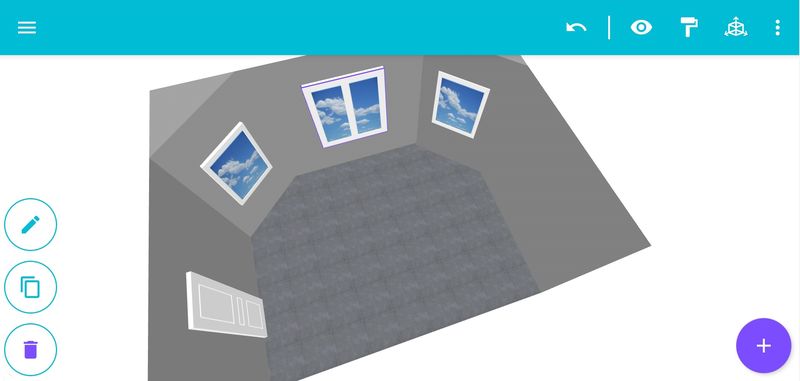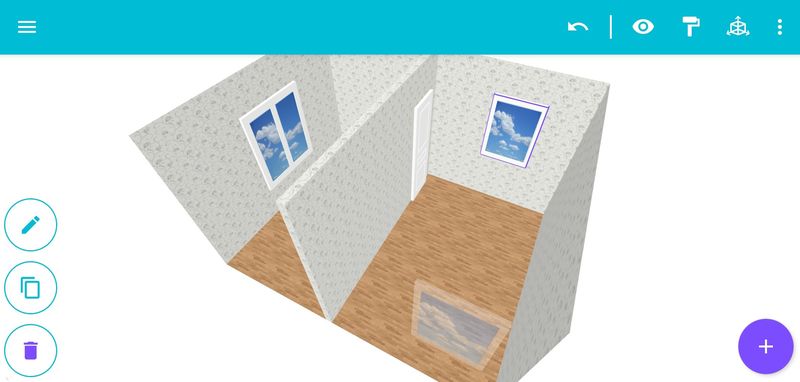

By default, the room is rectangular in shape. It is possible to betray the configuration of the room. For this purpose it is necessary:
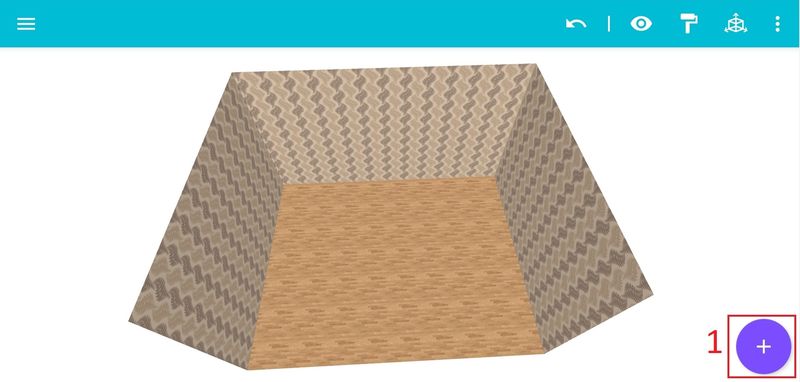
Step 1: Click on the icon for adding modules [1].
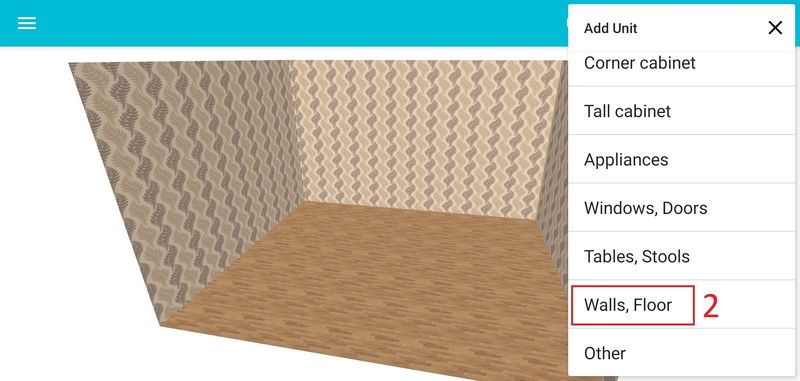
Step 2: In the opening menu window on the right, click on the "Walls and floor" line [2].
After clicking, the list of blocks to be added will appear. Click on a block of the required configuration and add it to the project [3].

Step 3: Select the inserted block [4] and click the editing icon [5] to edit it.
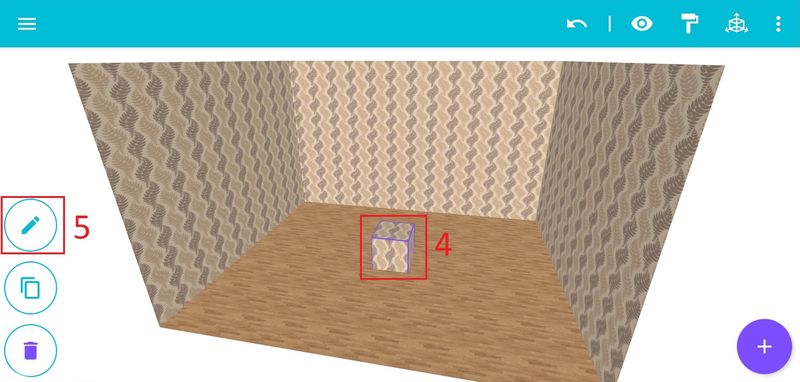
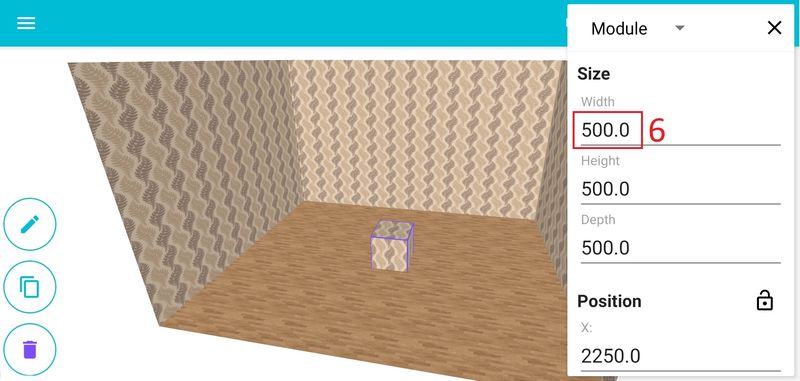
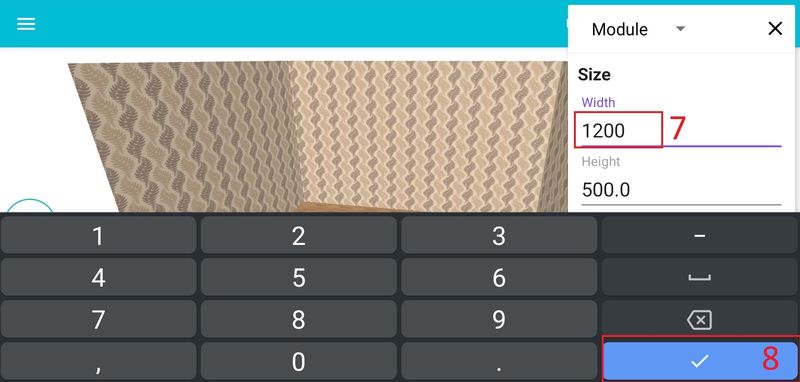
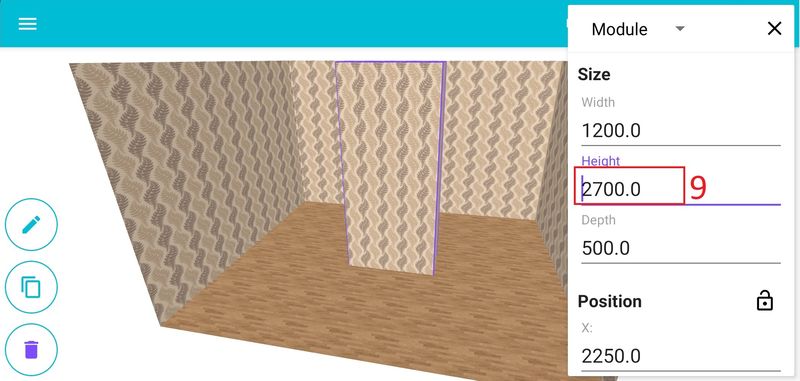
On the right, we edit the block size [6] [7] [8] [9].
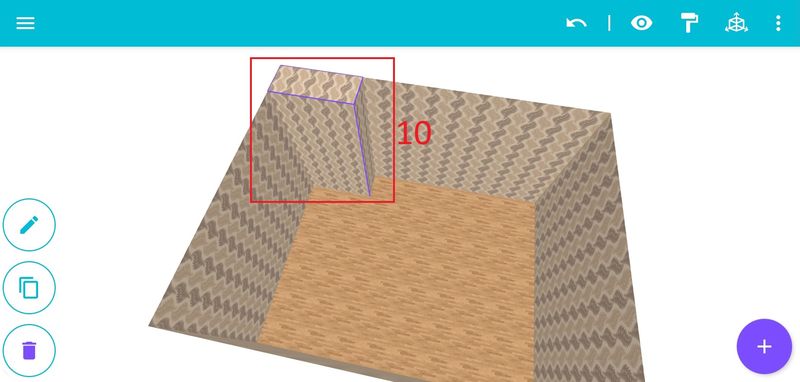
Step 4: Moving the unit to the right place [10].
Other blocks can be added in the same way [11] [12].