


In this lesson, we'll consider setting the shade of floor and wall color.
1. Changing the shade of the floor color
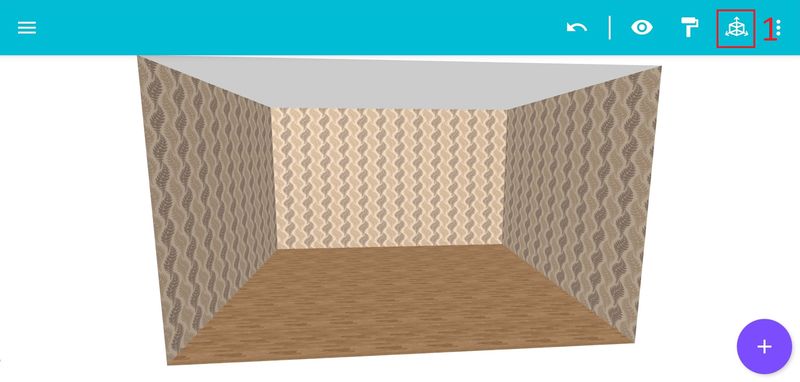
Step 1: Click on the menu icon in the upper right corner [1].
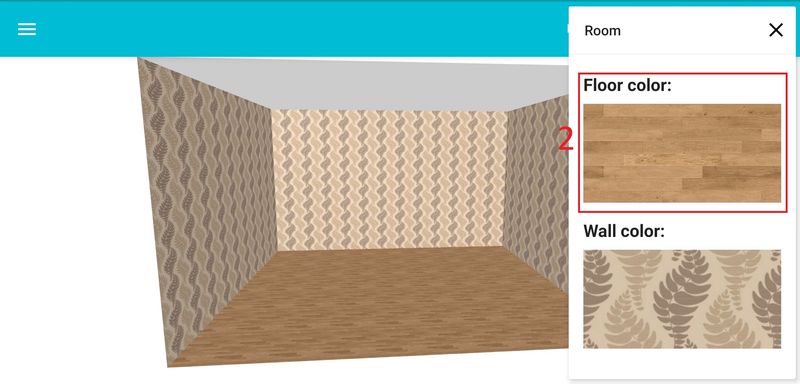
Step 2: In the menu, click on the item "Floor color" [2].
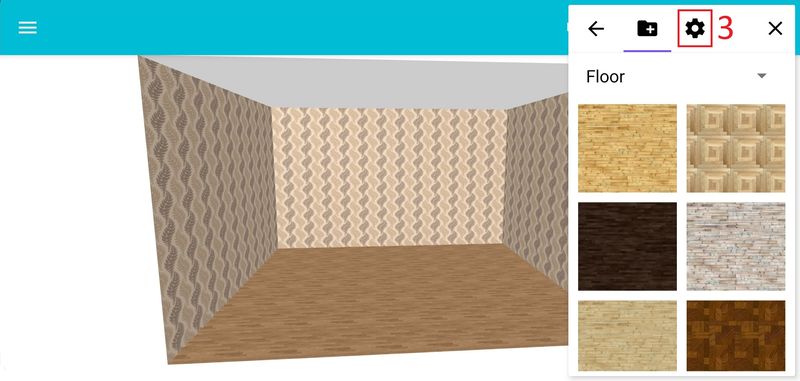
Step 3: Then click on the color selection icon [3].
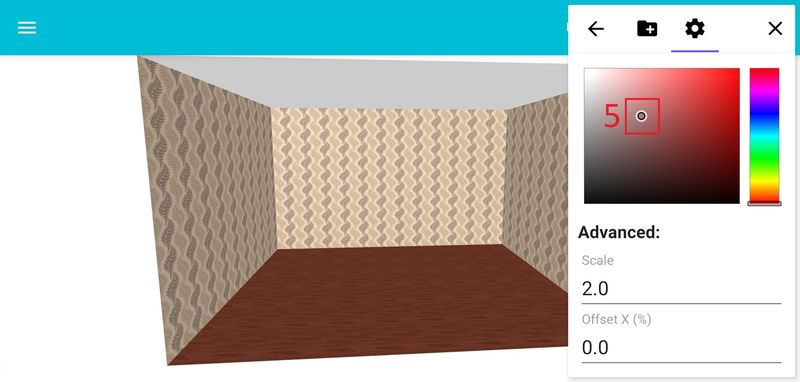
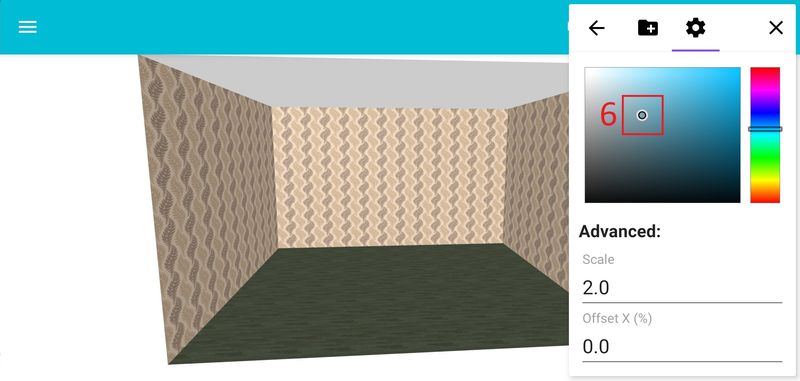
Step 4: In the field [4] select the desired color [5], [6].
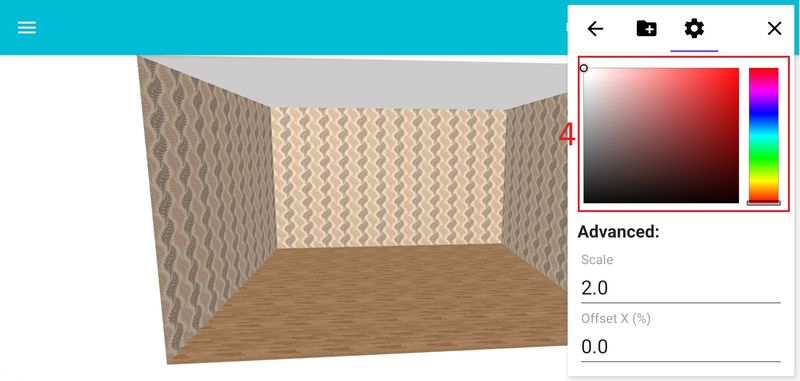
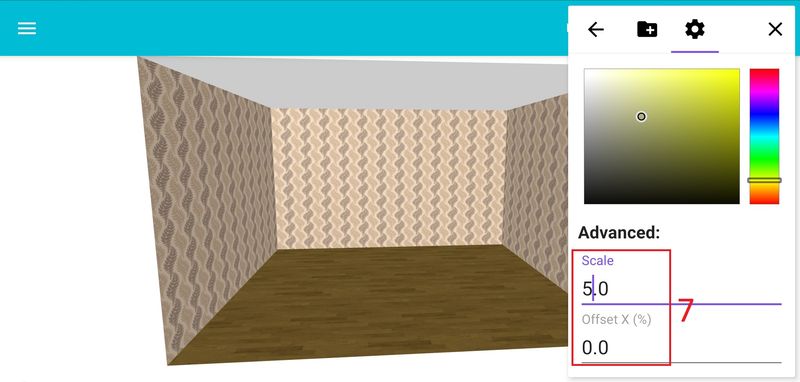
To change the scale and shift the patterns, set the required parameters [7].
2. Change of shade of wall color
Step 1: Click on the menu icon in the upper right corner [1].
Step 2: In the menu, click on "Wall Color" [8].

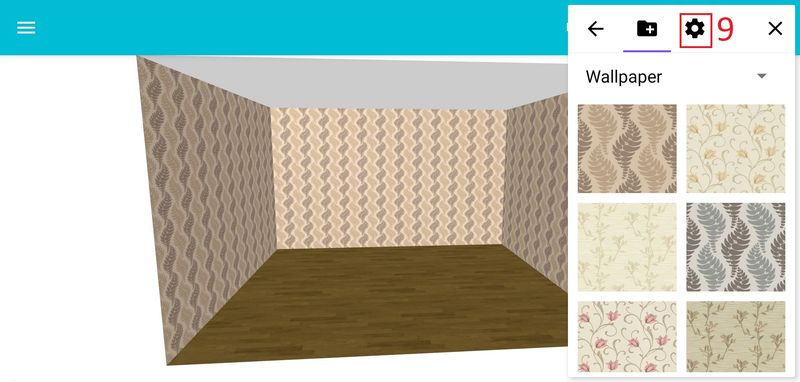
Step 3: Then click on the color selection icon [9].
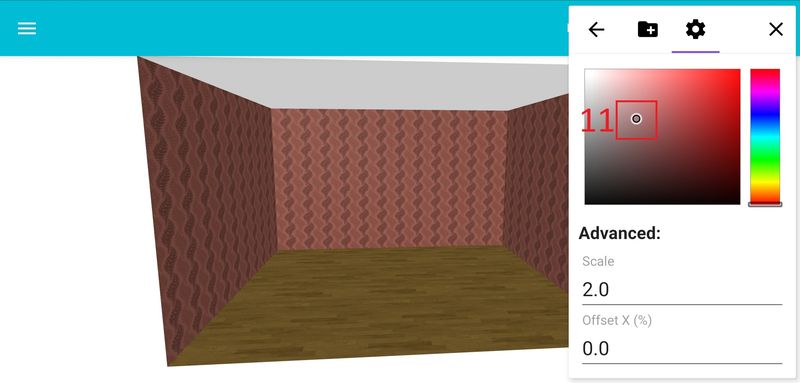
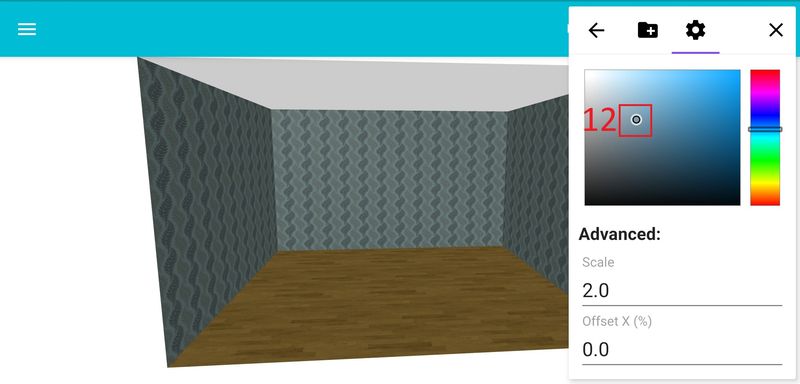
Step 4: In the field [10] select the desired color [11], [12].

To change the scale and shift patterns, set the required parameters [13].
