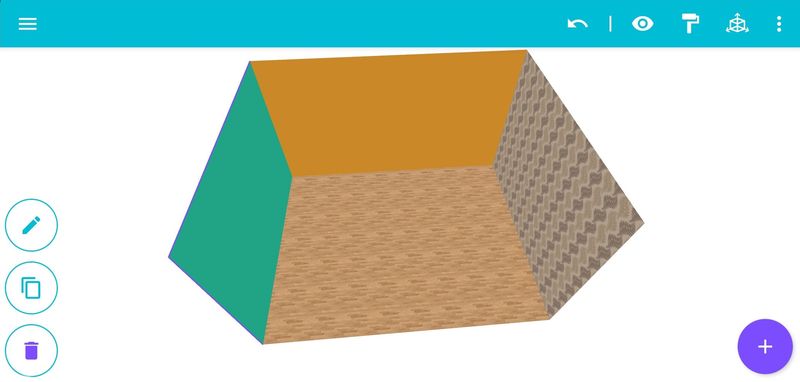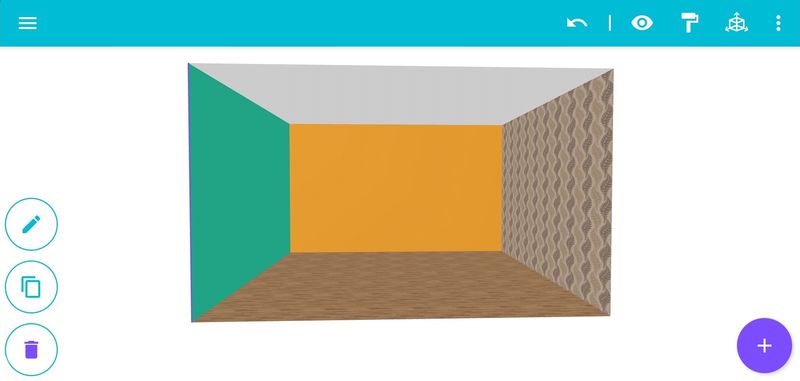

The application allows you to paint individual walls in the desired color.
In this tutorial we will look at this feature.
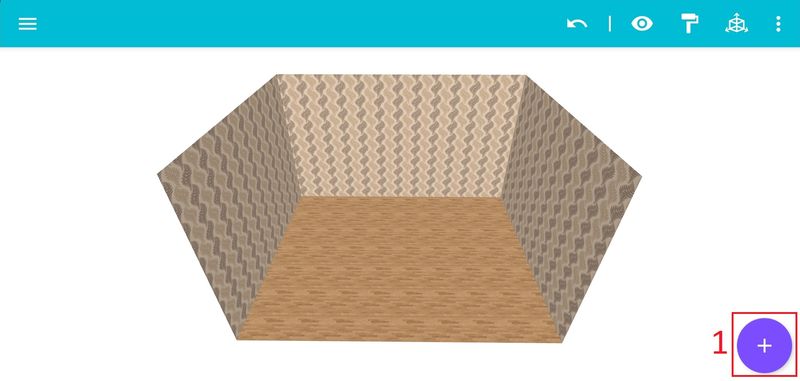
Step 1: Click on the add modules icon [1] in the bottom right corner.
Step 2: From the menu we go to "Walls, Floor" [2].

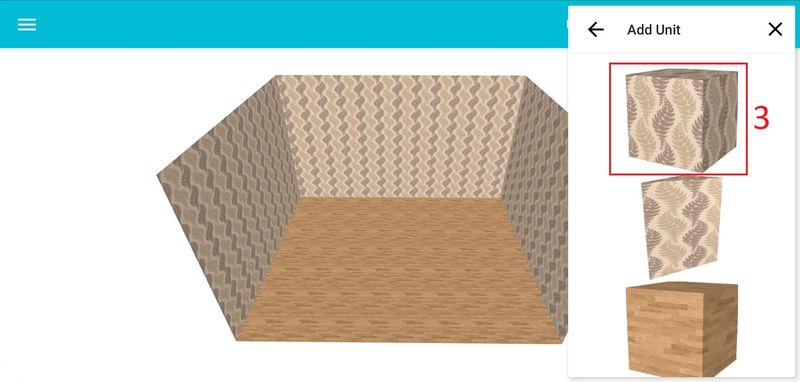
Step 3: Then we add the wall [3].
Step 4: Select the inserted wall [4] and click on the edit icon [5].

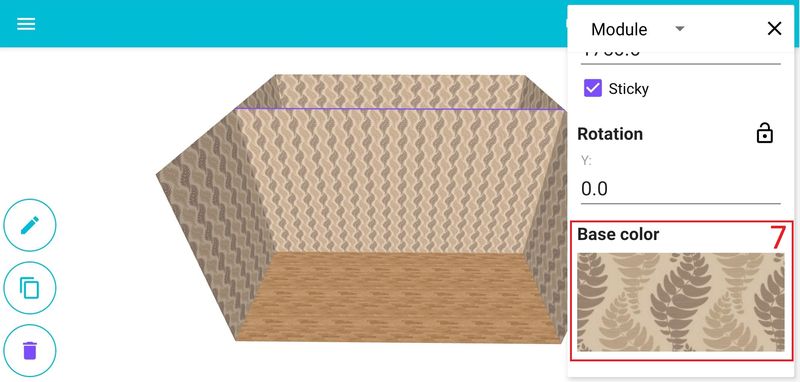
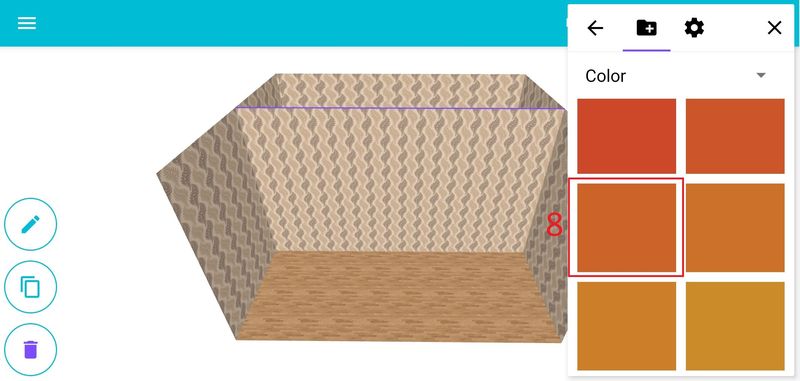
Next we edit the dimensions of the wall [6] (the Depth setting we select is 1) and then choose the color you want [7], [8].

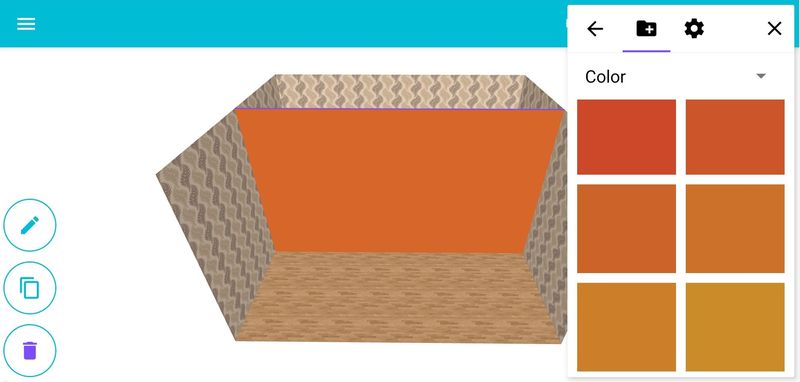
Step 5: Position our wall where we want it.
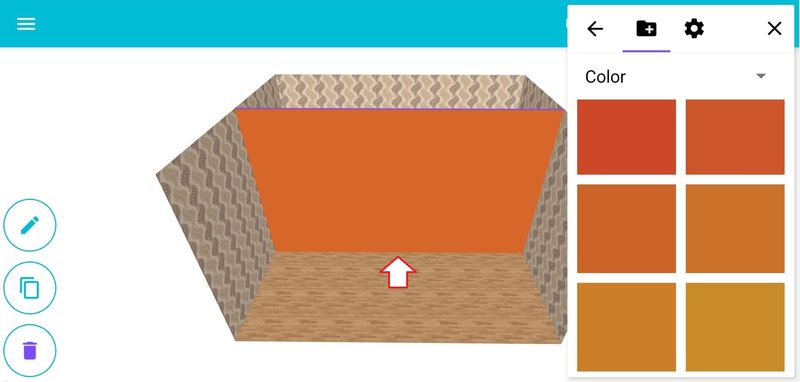
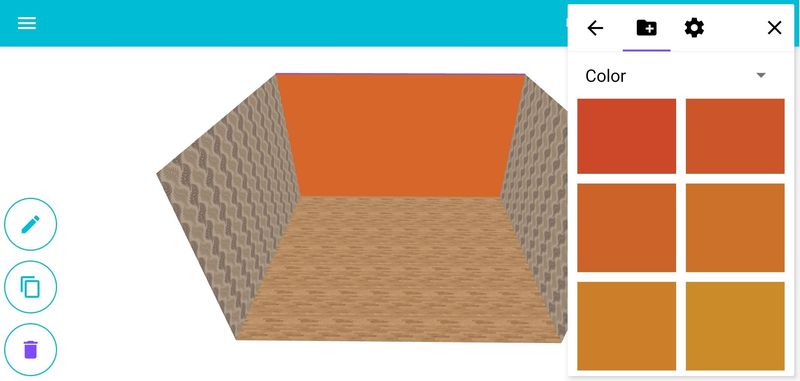
You can paint the walls in different colors this way.